
With connected devices now in every room, an efficient home network has become more essential than ever. In this article, we introduce network systems for family VILLAS and share the key points to keep in mind when installing a villa network system layout.
Why your home needs a proper network system
There are many good reasons to install a home network system in today’s digital age. These are the main benefits:
- A connected family: A home network brings family members closer together. By making it easy to share documents, photos, videos and information, it creates an environment where everyone in the household can communicate and share effortlessly.
- Convenience and flexibility: With a home network, you can go online from any device in the house, including mobile phones, tablets, laptops and smart TVs. This gives you convenience and flexibility for work, entertainment and study.
- Home entertainment: A home network makes family entertainment easy. You can stream films, listen to music, play online games and access entertainment services from any device in the house.
Where to install the components of a home network
When installing a home network system, several locations need careful thought to ensure optimal coverage and performance. Here are the key positions to consider:
- Modem and internet line: The modem is the device that connects your home to the internet and is usually supplied by your internet service provider. The ideal spot for the modem is close to the incoming internet line (fibre optic, network cable, DSL, etc.) and near a power outlet. Place it in a central location in the house to maximise coverage.
- Router: The router manages network traffic and distributes the internet connection to devices around the home. Place it in a central position so the network is distributed evenly and Wi-Fi coverage is maximised. Avoid putting it inside cabinets, in corners or near large obstacles such as stone walls, metal or high-frequency electronic equipment.
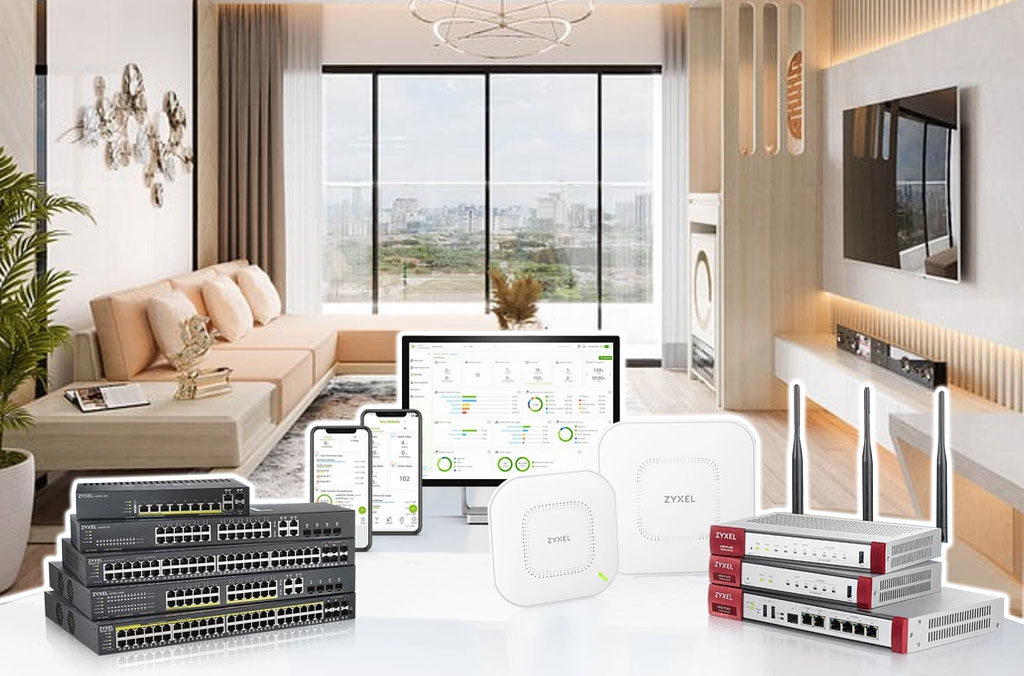
- Access Points: If your home is large or spread over several floors, you may need several access points to extend Wi-Fi coverage. Place them in strategic locations to ensure a strong signal throughout the whole space. They should be close to a power source and have as few obstructions as possible.
- Network cabling and data outlets: For a stable, high-speed connection, consider using Ethernet cabling and wall data outlets. Install outlets in convenient places such as the living room, study, bedrooms and games room. Where needed, you can use network cables to connect directly to devices that require a stable, high-speed link, such as desktop computers or game consoles.
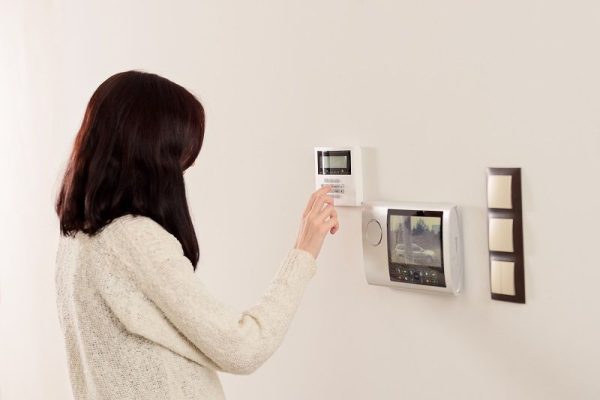
- Smart devices: If you have smart networked devices such as security cameras, lighting, system controllers or audio systems, make sure they are placed in convenient locations with a stable network connection. This lets you make full use of their features and keeps them running reliably.
Home network system diagram
A home network diagram is usually designed around the specific layout and requirements of the house and the family. Even so, most of these diagrams share some common elements:
- Modem
- Router
- Access Point
- Connected devices
- Network cabling
- Smart network devices
A home network system diagram can take many different forms depending on the household’s needs and the area the network must cover. What matters is designing a sensible layout that delivers a stable connection, strong coverage and convenience for every device and every member of the family.
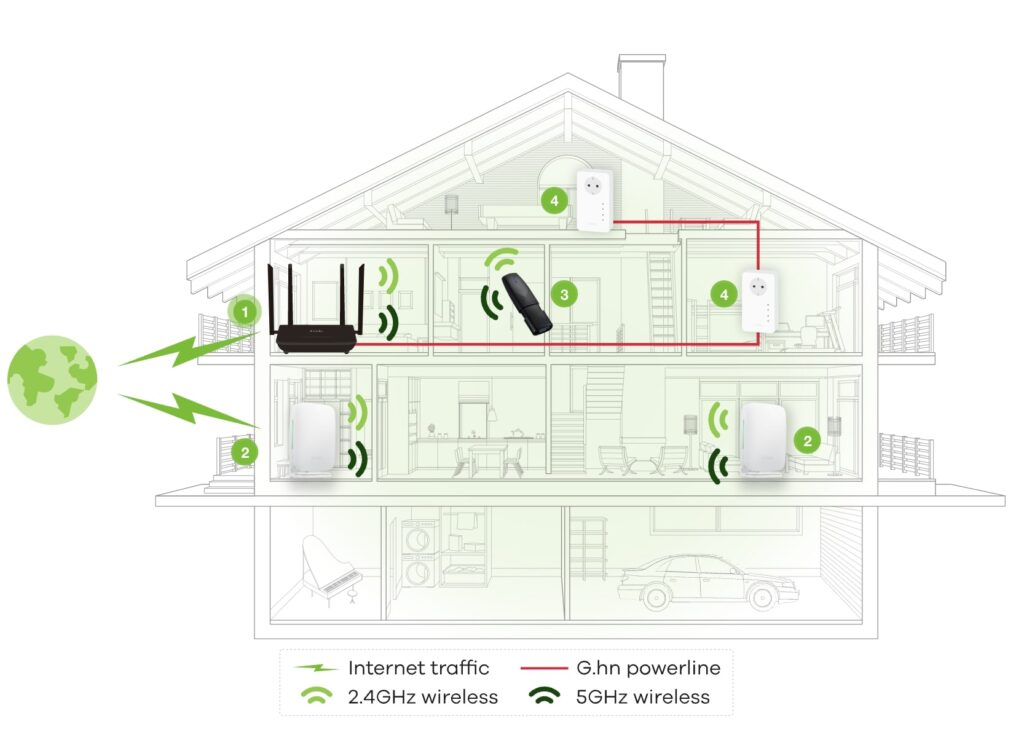
Home network system diagram
Step-by-step home network installation process
When it comes to installing a home network, a clear and detailed process is essential for a successful, efficient result. The installation steps are as follows:
- Assess the requirements and design the home network layout.
- Prepare the necessary equipment, such as the modem, router, access points and network cabling.
- Install the modem and connect it to the internet line.
- Configure the router and connect it to the modem.
- Install and configure access points (if required).
- Connect devices such as computers, phones and smart TVs to the Wi-Fi network or via Ethernet cable.
- Test and fine-tune signal coverage and network performance.
- Secure the network with a strong Wi-Fi password and update the router firmware.
- Check operation and make sure every device connects and accesses the internet successfully.
Key points to note when installing a home network system
When installing a home network, there are a few important points to remember to ensure good performance and reliable operation:
- Place the router and access points centrally and away from obstructions.
- Use Ethernet cabling for stable, high-speed connections.
- Set a strong Wi-Fi password and keep the router firmware up to date.
- Check network performance and optimise the internet connection.
- Seek expert advice when necessary.
With an optimised home network system you can enjoy connectivity, convenience and security in everyday life. Start installing your home network today and put a connected world at your fingertips.
For consultation on the design and installation of a LAN-WIFI-TEL-TV NETWORK SYSTEM please contact TechConnect Vietnam for the best advice and support.
TechConnect Vietnam Engineering and Trading Co., Ltd.
- Address: FLC Garden City Urban Area, Dai Mo Ward, Nam Tu Liem District, Hanoi
- Hotlines: 0988 883 961/ 0987 989 822
- Email: techconnect.mepf@gmail.com
- Website: https://techconnectmepf.com/en/